Official Blog
Let’s Start Trading
with i’moption!
How to Start Trading
- step 01
Open an Account
Enter the required information and complete email verification.
- step 02
Make a Deposit
Supports multiple deposit methods including bank transfer, credit card, and cryptocurrency.
- step 03
Start Trading
Select your asset and settlement time, then start trading.
- step 04
Check the Result
Your trading result will be automatically reflected at the settlement time.
View details
-
step 01 Open an Account
Complete the required fields in the official registration form and verify your email address to open your account in as little as one minute. To ensure smooth withdrawals, it is also recommended to complete KYC (identity verification) in advance.
-
step 02 Make a Deposit
Deposit funds for the two-outcome trading system. You can choose from multiple payment methods, including bank transfer, credit card, and cryptocurrency, depending on your preference. There are no fees for deposits or withdrawals.
-
step 03 Start Trading
At i’moption, you can trade a variety of assets including forex and cryptocurrencies. Once you set the asset, settlement time, and investment amount, simply predict whether the price will go High or Low to start trading.
-
step 04 Check the Result
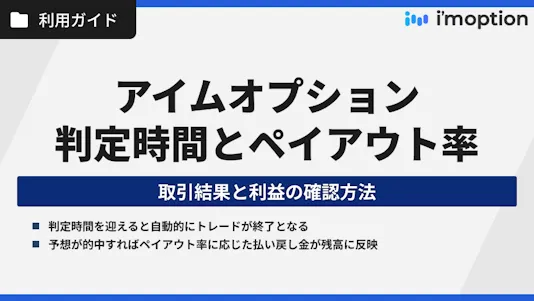
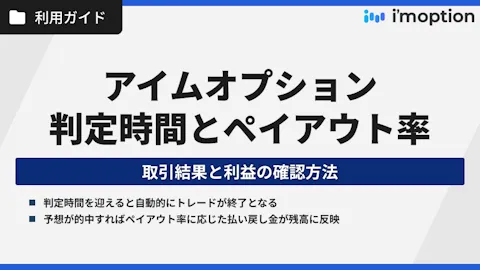
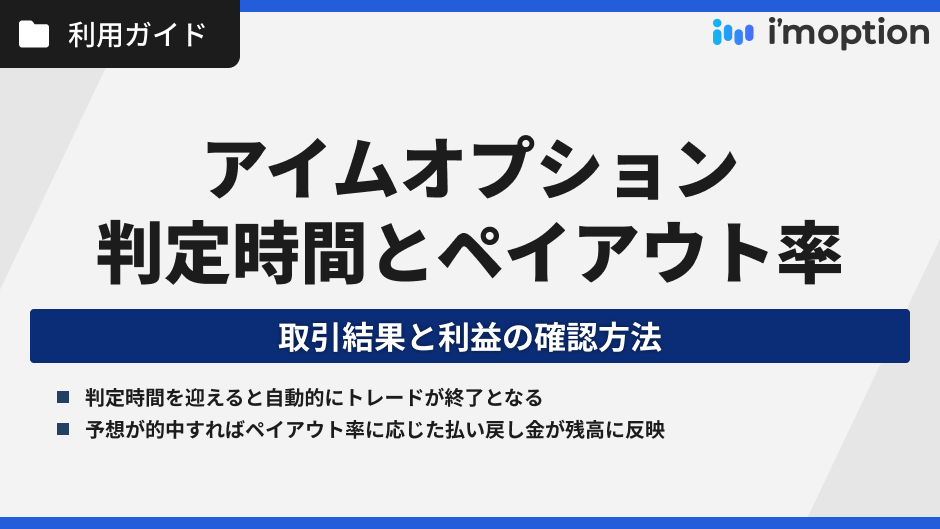
When the settlement time is reached, the trade closes automatically.
*Early settlement is available for some trades. If your prediction is correct, the payout will be credited to your balance based on the payout rate. If your prediction is incorrect, your investment amount will be lost.
Let’s Start Trading with i’moption!
Steps to Start Trading
-
step 01
Open an Account
Enter the required information and complete email verification.
-
step 02
Make a Deposit
Supports multiple deposit methods including bank transfer, credit card, and cryptocurrency.
-
step 03
Start Trading
Select your asset and settlement time, then start trading.
-
step 04
Check the Result
Your trading result will be automatically reflected at the settlement time.
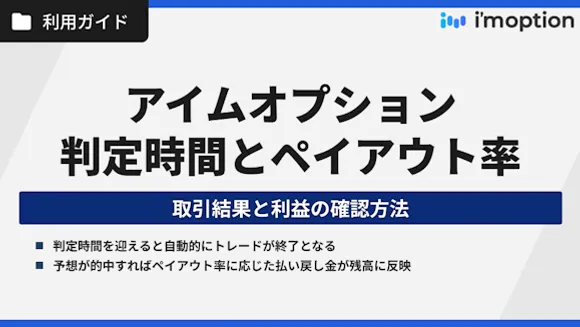
01 Open an Account
View details
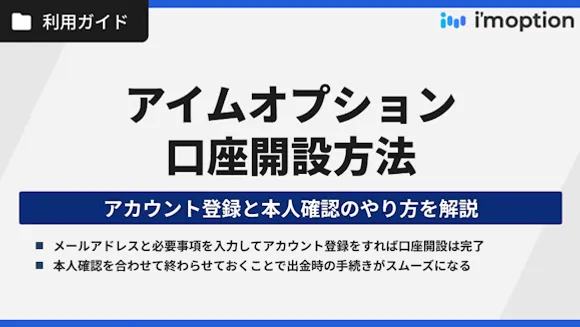
01 Open an Account
View details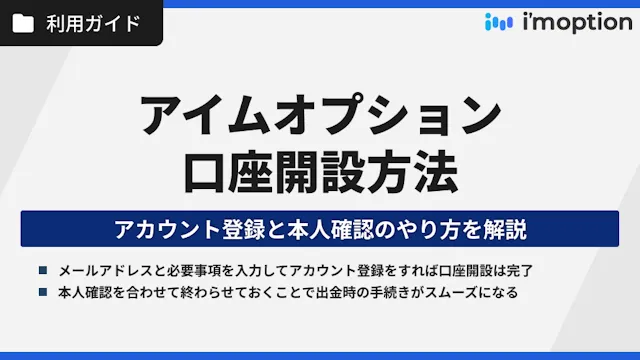
Complete the required fields in the official registration form and verify your email address to open your account in as little as one minute. To ensure smooth withdrawals, it is also recommended to complete KYC (identity verification) in advance.
See details 02 Make a Deposit
View details
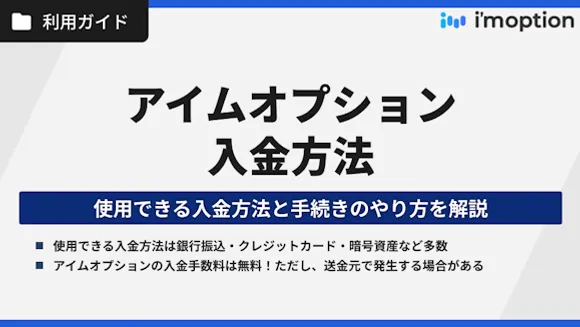
02 Make a Deposit
View details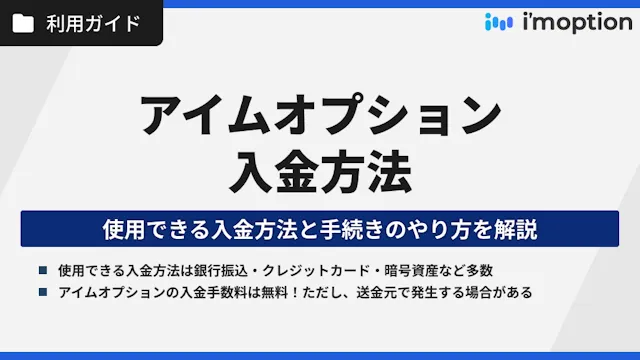
Deposit funds for the two-outcome trading system. You can choose from multiple payment methods, including bank transfer, credit card, and cryptocurrency, depending on your preference. There are no fees for deposits or withdrawals.
See details 03 Start Trading
View details
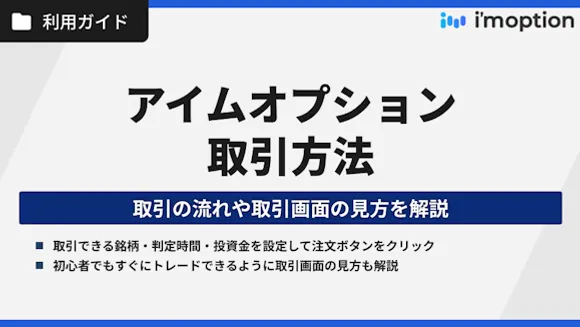
03 Start Trading
View details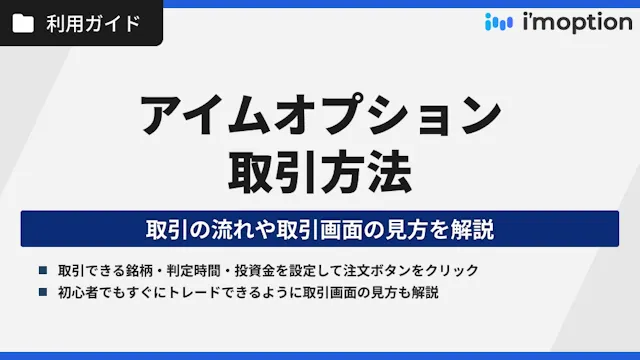
At i’moption, you can trade a variety of assets including forex and cryptocurrencies. Once you set the asset, settlement time, and investment amount, simply predict whether the price will go High or Low to start trading.
See details 04 Check the Result
View details
04 Check the Result
View details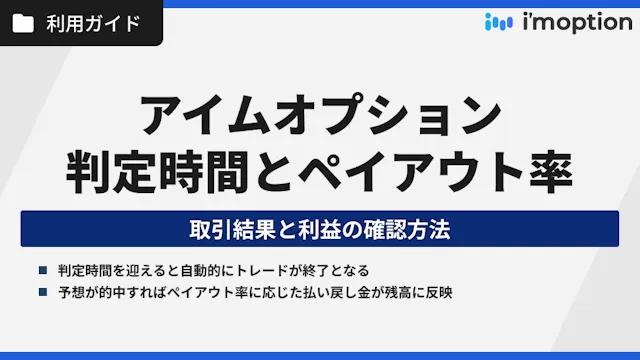
When the settlement time is reached, the trade closes automatically.
*Early settlement is available for some trades. If your prediction is correct, the payout will be credited to your balance based on the payout rate. If your prediction is incorrect, your investment amount will be lost.
Offshore Binary Options Brokers
Brokers Introduced on This Site


Basics
i’moption Guide

i’moption User Guide
Menu
Latest posts
SNS